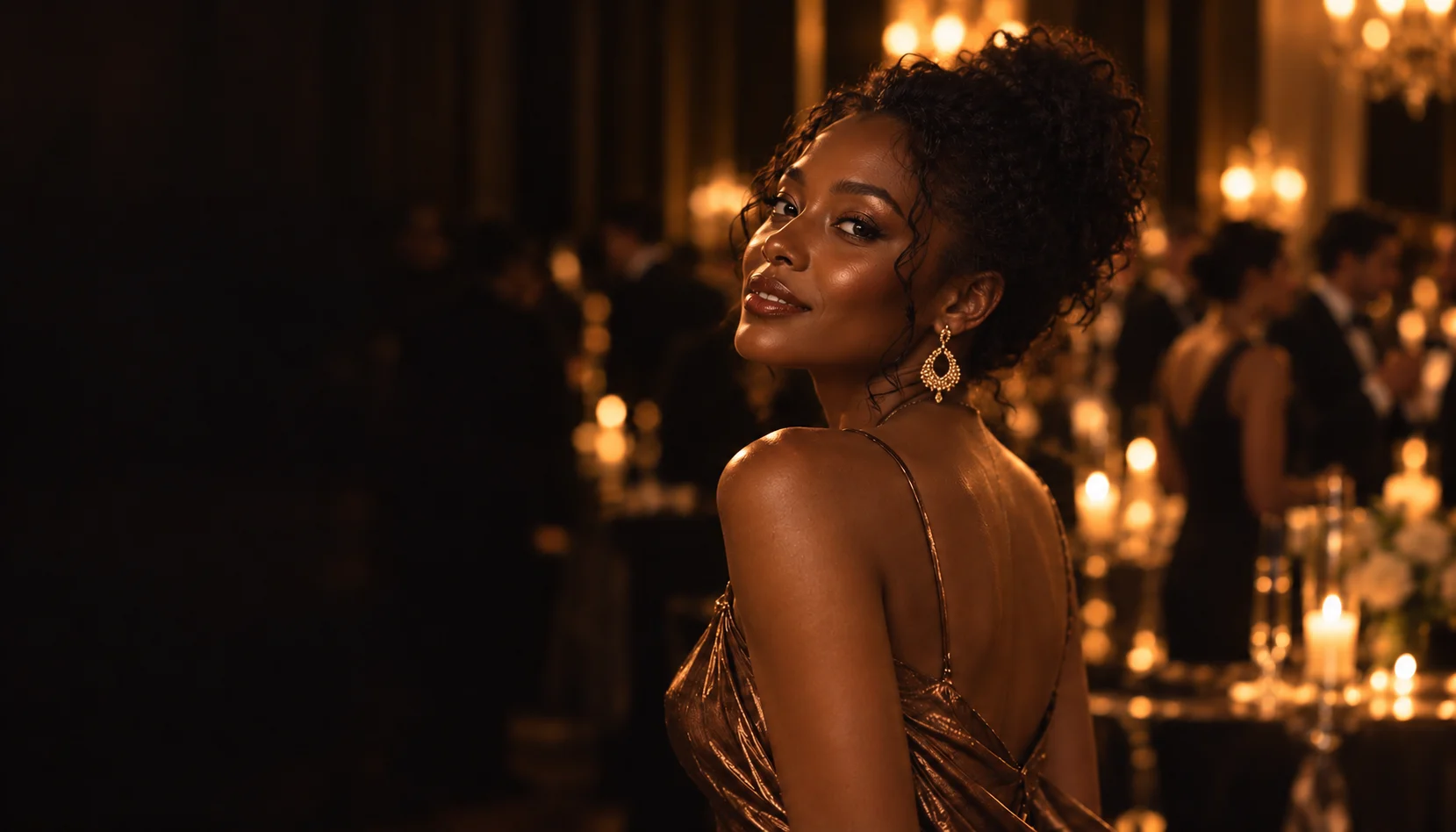
Your photo.
Your spotlight.
Burning Bridges AI MV
Step into a cinematic party MV, with your own photo and the original soundtrack.
Choose built-in audio and picture settings. No editing or prompts required.
0/4 photos · Batch selection · Up to 8 MB each
Give your photo the leading role
Your photo defines the look. Your chosen audio and vocals drive the performance.
JPG / PNG / WebP · Up to 8 MB eachSign in to continue. Use existing credits or top up when needed.
Loading…
Made with Reelto
Explore finished MVs. Hover over a video to pause the carousel.
How it worksThree simple steps
From your photo
to the music scene.
Choose your photos and a track you love. Follow progress and find the finished video in My Videos.
01
Upload your photos
Choose 1–4 clear photos of the same person. The first defines your look and outfit; the others add different angles.
02
Choose audio. Create your MV.
Choose a built-in track, vocals and resolution. Every video is 9:16 portrait, with creative direction matched to the audio. No prompts required.
03
Download your moment
Track progress in My Videos and download your MP4 with the selected soundtrack. Reuse your photos to create another MV.
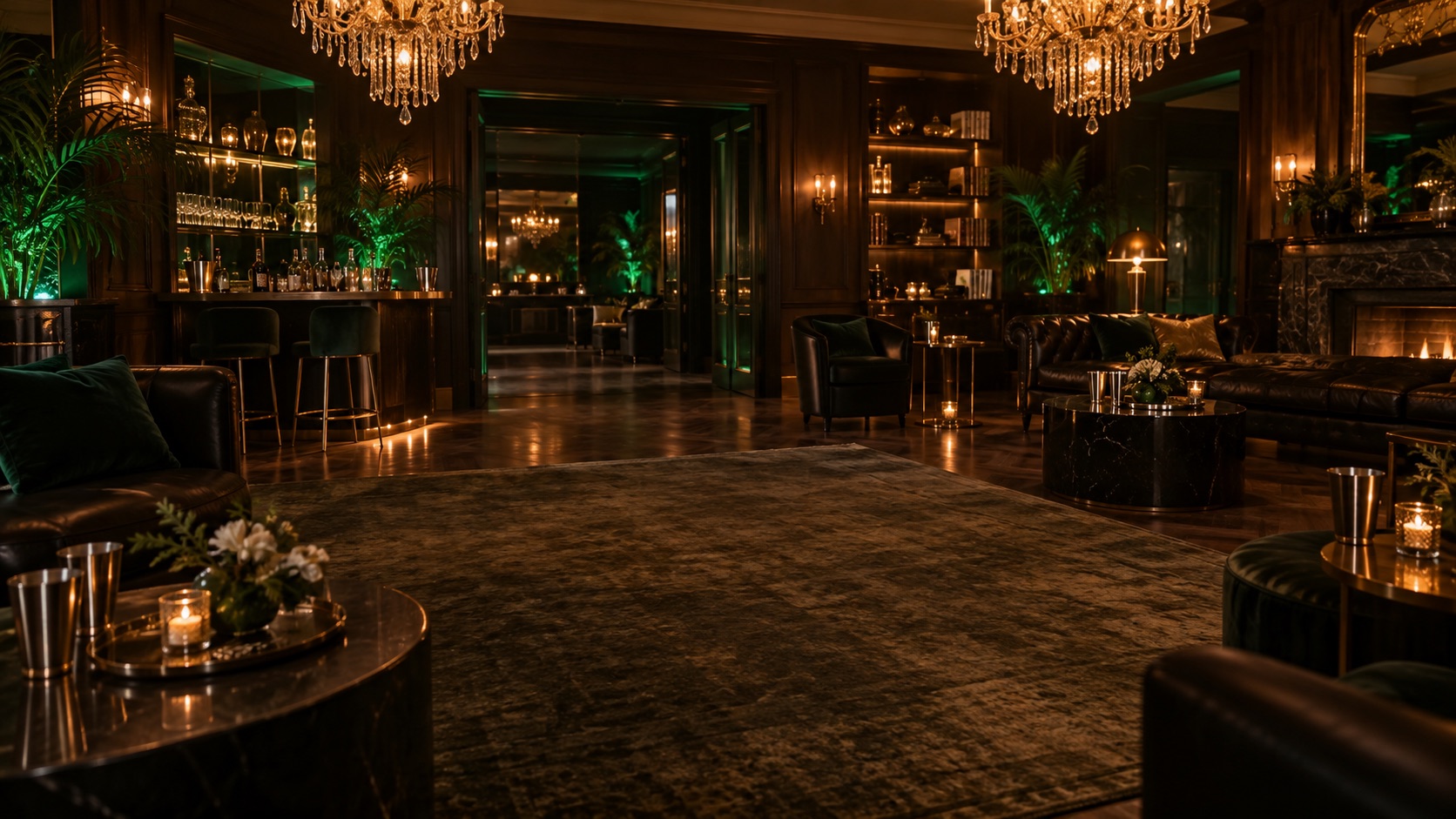
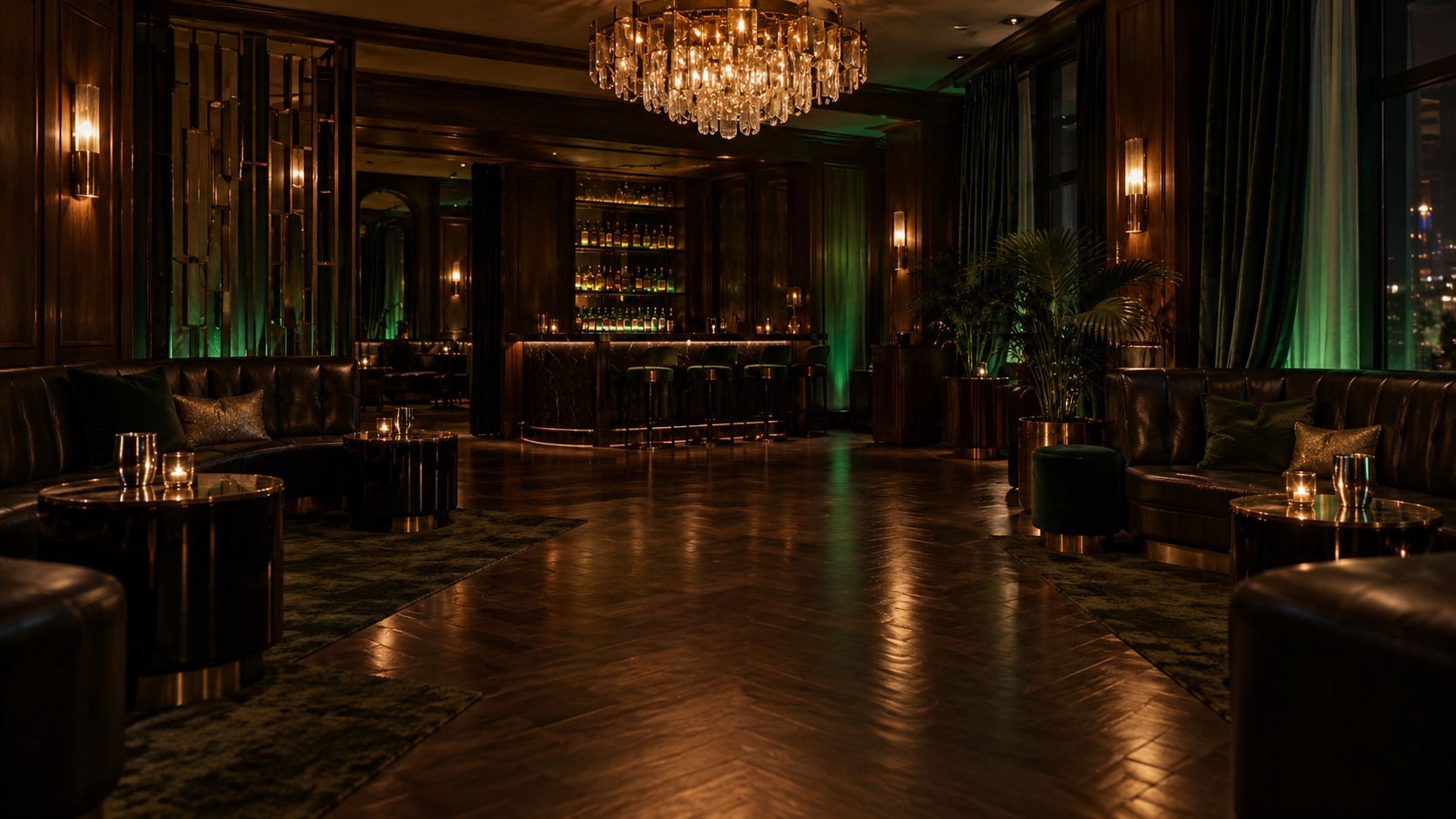
Step into the party.
Take the leading role.
Your face, outfit and styling are the starting point. Your selected clip brings the scene, camera movement and performance timing together.
From a 7-second highlight to a 25-second sequence. Choose your clip and make the atmosphere your own.
Start creatingYour photosOne person, multiple angles
No prompts neededChoose a clip to get started
Picture settings9:16 portrait, 480p / 720p
Local previewPhotos upload when you continue
PRICINGOne-time purchases. No subscription.
A clip for
your leading moment.
Explore 7, 12, 20 and 25-second clips with multiple picture settings. Purchases are currently unavailable.
7 secondsStart here
$5.99one-time
One video featuring you, with the original soundtrack
- 599 credits, valid for 365 days
- 720p · 9:16 portrait
- One-time purchase, no subscription
12 secondsPopular
$8.99one-time
One video featuring you, with the original soundtrack
- 899 credits, valid for 365 days
- 720p · 9:16 portrait
- One-time purchase, no subscription
20 secondsStart here
$12.99one-time
One video featuring you, with the original soundtrack
- 1299 credits, valid for 365 days
- 720p · 9:16 portrait
- One-time purchase, no subscription
25 secondsStart here
$15.99one-time
One video featuring you, with the original soundtrack
- 1599 credits, valid for 365 days
- 720p · 9:16 portrait
- One-time purchase, no subscription
Checkout is currently unavailable. Specifications and prices will be confirmed when purchases open.
Frequently asked questionsA little more before you start
Before your
leading moment.
What to know about photos, audio, creation progress and downloads.
What kind of MV can I create with Reelto?
Reelto combines your portrait photos with a built-in MV clip to create a performance video starring you. Choose your clip and picture settings; the result includes its original soundtrack.
How do I start creating my video?
Choose your photos, built-in audio and picture settings, then sign in to your personal creation workspace. Your audio selection is carried over. Review your content and credit cost, then submit. Track and download the result in My Videos.
Which photos should I use? Do I need a prompt?
Use 1–4 clear JPG, PNG or WebP photos of the same person, up to 8 MB each. The first photo defines the outfit and styling; the others provide more angles. No video upload or prompt is needed. Only use photos you own or have permission to use.
Is Reelto affiliated with the original MV?
Reelto is an independent service, not affiliated with, official or endorsed by Drake or the music rights holders.
How long does video creation take?
Timing varies with clip length and the task queue. After submitting, check progress in My Videos; you do not need to keep the homepage open.
Will my video include music?
Yes. Your selected audio and vocals guide the performance and are combined with the video. Original uses the original track; Female uses its configured female version.
What happens to my credits if creation fails?
When a task definitively fails, the credits used for it return to your account. Check My Videos for the final status and failure details.
Will my photos and videos appear publicly?
Selected photos are previewed only in your current browser. They upload when you continue creating a video. You view and download your work in your personal account; completion does not automatically publish it to the homepage showcase.
Your next MV. Your leading role.
Start with a photo you love. Step into your own moment.
Upload your photo